Scrape Data Instantly with Midas: A Step-by-Step Guide for Web Data Extraction
Introduction to Midas: The Ultimate Web Scraping Solution
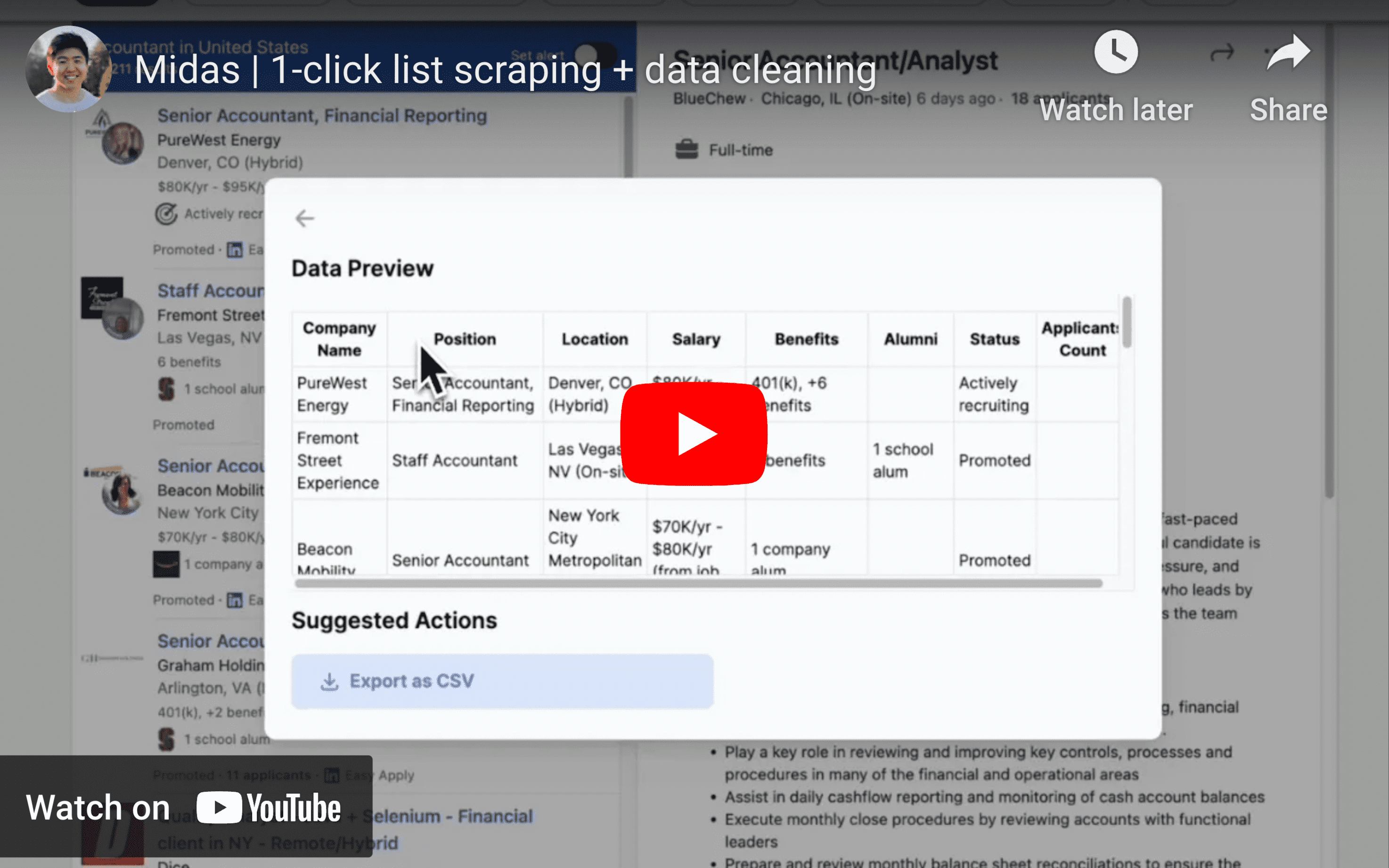
Web scraping has become an essential tool for businesses, researchers, and individuals who want to gather valuable insights from various online sources. Midas, a browser-based web scraping tool powered by a custom AI engine, simplifies and automates the data extraction process. With Midas, you can instantly scrape data from websites without the need for complex setup or programming knowledge.
In this blog post, we will walk you through the process of using Midas to scrape data instantly from your target websites.
Step 1: Install the Midas Chrome Extension
To start using Midas, you will need to install the Chrome extension. Visit the Chrome Web Store and click on "Add to Chrome" to add the Midas extension to your browser.
Step 2: Navigate to Your Target Website
Once the Midas extension is installed, navigate to the website you wish to scrape data from. This could be an e-commerce platform, a real estate listing website, a news website, or any other site containing the data you need.
Step 3: Activate the Midas Extension
Click on the Midas extension icon in your browser's toolbar to activate it. As a shortcut, you can also do ⌘+M (Ctrl+M on Windows). A panel will open, allowing you to interact with the tool and configure your data extraction.
Step 4: Select the Data Source
Click on "Select elements from list". Using the Midas panel, choose the data source you want to scrape. This could be a list of products, real estate listings, news articles, or any other data source on the webpage.
Step 5: Let Midas Do the Work
Midas's custom AI engine will analyze the selected data source and automatically identify columns and relevant data points. This saves you the time and effort of manually setting up the extraction process.
Step 6: Clean and Format Your Data
Midas allows you to format or extract the data you need by providing specific instructions. This eliminates the need for manual clicking, copying, and cutting of hundreds of fields. Simply tell Midas what data you want and how you want it to be formatted.
Step 7: Export Your Data
Once you have configured the data extraction, you can easily export the scraped data to Excel, Airtable, or other formats for further analysis and use.
Conclusion
Midas is a powerful, user-friendly web scraping tool that enables you to instantly extract valuable data from websites with minimal effort. By following these simple steps, you can harness the power of Midas to gather insights, stay ahead of your competition, and make data-driven decisions. Try Midas for free today by visiting the Chrome Web Store and adding the extension to your browser.